AutoCAD Course
Special Engineering

AutoCAD Course

Designed to provide the participants with practical skills in 2D drafting and 3D modeling, our AutoCAD course is very helpful for engineers, architects, designers, and construction professionals. AutoCAD training helps to create precise drawings and models with confidence. Join AutoCAD classes and become an expert in using AutoCAD to create industry-standard technical drawings.

4.9+ Reviews
Content goes here

Overview of AutoCAD Course

AutoCAD is a widely used software for drafting plans and elevations in construction, designing space layouts in interior design, creating circuit diagrams in mechanical engineering, and designing roads and bridges in structural engineering.

The AutoCAD course in Abu Dhabi covers all topics from basic to advanced. It provides both theoretical knowledge and practical skills in creating geometric designs, applying dimensions, and producing accurate technical drawings.
On completing the AutoCAD certification course, the participants will be able to use layers and blocks, apply annotations and dimensions, develop models, create layouts, and improve productivity. The learners will develop skills in using AutoCAD with expertise.

AutoCAD Training Course Syllabus

AutoCAD training in Abu Dhabi includes the following topics:

Have an overview of AutoCAD, its features, capabilities, and industry applications.
Understand the interface, including the menubar, toolbars, ribbon, command line, model space, layout space, and status bar.
Become familiar with the basic navigation tools, zoom command, pan command, controls, and shortcuts.
Know the basics of file management and the different file formats.
Practical training in exploring the interface.

Understand the basic drawing commands including line, polyline, circle, arc, rectangle, polygon, point, and donut.
Learn in detail about the objection selection methods, including single object selection, window selection, fence selection, and crossing selection.
Study the basic editing commands such as Erase, Move, Copy, Rotate, Stretch, Scale, Mirror, and Offset.
Know the precision drawing tools like Object Snap, Grid, Snap, Dynamic Output, and Ortho mode.
Hands-on training in creating floor plans and modifying drawings

Find out how to create a new file using drawing templates. Study the setting and the definition of drawing limits.
Understand the creation and management of layers. Gain knowledge in layer properties, layer controls, and layer visibility.
Learn how to assign colors, linetypes, and lineweights. Study how to save and update drawings.
Know the precision drafting techniques and tools used for making drawings more accurate and precise.
Practical training in creating a new drawing and developing a simple plan.

Have an overview of the different types of annotations. Become familiar with TEXT and MTEXT.
Understand how to create and modify text styles, format texts, and add notes.
Know the various types of dimensions and the creation of dimension styles, and modify dimension settings.
Find out how to create leaders, multi-leaders, and callouts. Understand the various symbols and special characters used.
Practical sessions in creating text styles, creating leaders, inserting symbols, and annotating elements.

Find out how to create basic 3D objects like a box, a cylinder, a cone, a sphere, a pyramid, and a wedge.
Learn how to create 3D objects from 2D drafts and drawings, and the commands used, such as Sweep, Loft, Extrude, Thicken, etc.
Study surface modeling and mesh modeling. Know the solid editing commands like Union, Slice, Subtract, etc.
Understand the application of materials, the setting up of lighting, and the creation of realistic visualization.
Hands-on training in creating 3D models and the conversion of 2D drawings into 3D models.

Learn how to create a block using a BLOCK command. Study how to save and name blocks.
Understand the INSERT command. Learn how to scale, insert, and rotate blocks.
Study how to modify existing blocks, redefine blocks, and update them in drawings.
Find out how to add attributes to blocks, create block libraries, and organize block collections.
Practical training in the creation, modification, and insertion of blocks.

Learn about Page Setup Manager, how to select paper sizes, and plot styles.
Find out how to create viewports, lock and clip them, and manage multiple viewports.
Understand how to create title blocks, insert them into layouts, and revise blocks.
Practical exercises in the creation of professional layouts.
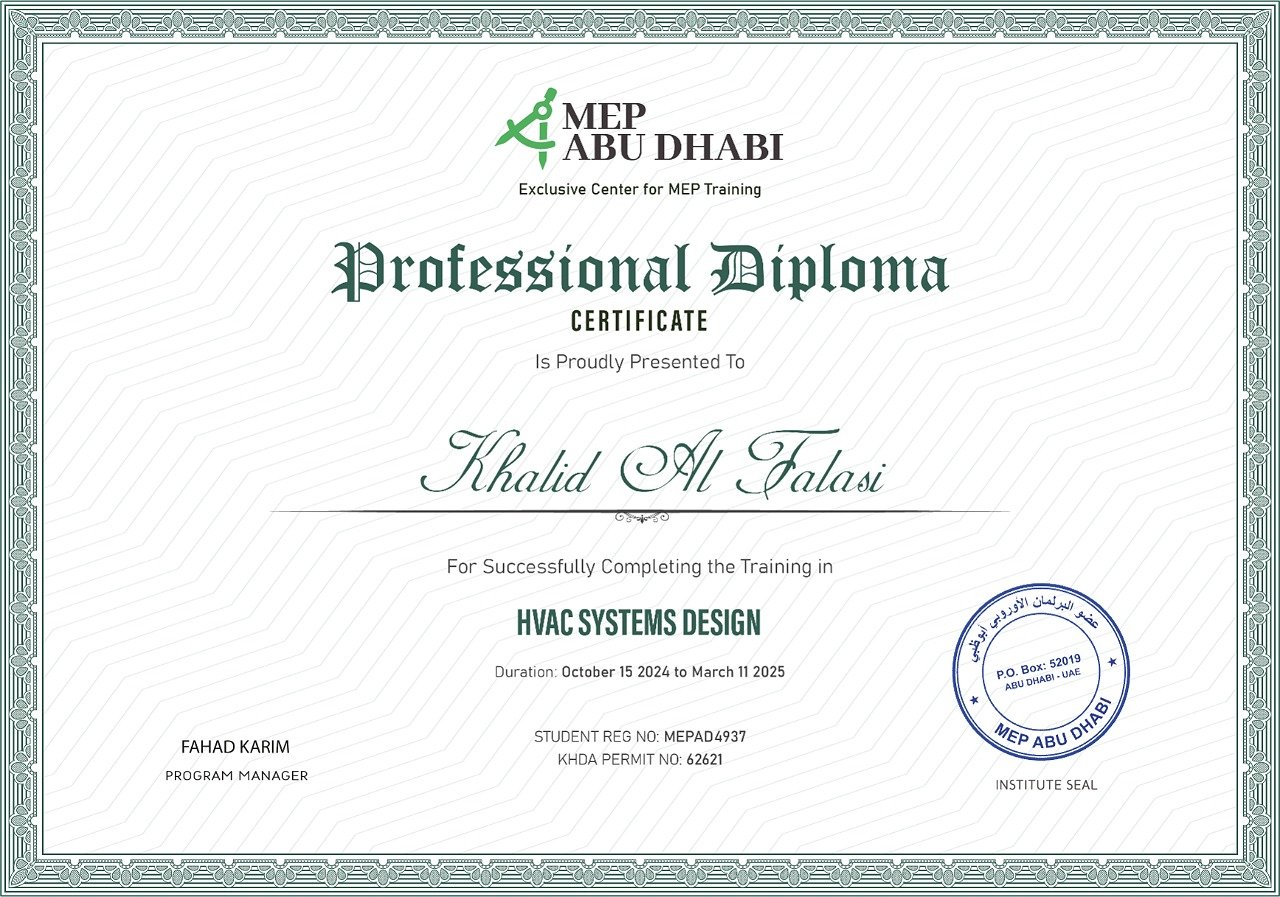
Certificate


Why Learn Revit MEP Course in Abu Dhabi?

AutoCAD 2D & 3D courses equip learners with the skills to use the software to create 2D drawings and 3D models. Learning the course gives you an edge over others in the competitive market and increases your job prospects. AutoCAD certification improves productivity and boosts accuracy. The practical training helps in carrying out real-world projects with confidence.

Industry Demand for Skilled AutoCAD MEP Professionals Revit MEP Professionals

The construction, infrastructure, and manufacturing sectors keep on growing rapidly. The modern residential complexes and industries are dependent on MEP systems for increased comfort and energy efficiency. As professionals who have completed the AutoCAD MEP course can design, document, and draft plumbing layouts efficiently, and they are in high demand globally.


Career Prospects After Completing an AutoCAD Drafting Course in Abu Dhabi

Career prospects after completing an AutoCAD drafting course are high. Participants who have completed the CAD training courses can pursue a wide range of roles, including MEP designer, architectural draftsman, mechanical design engineer, and interior design specialist. The key skills gained in technical drafting and 3D modeling help in career advancement.

Key skills gained

Who Can Enroll in AutoCAD Certification Classes?

AutoCAD training courses are for

  • Working professionals like architects, engineers, interior designers, and anyone involved in construction who want to upgrade their knowledge in AutoCAD.
  • Anyone who wants to build their career in creating technical drafts and models
  • Students of civil engineering, mechanical engineering, and architecture who want to get practical skills in AutoCAD.

Why Choose Our Institute for AutoCAD 2D & 3D Courses in Abu Dhabi?

MEP Abu Dhabi is popular for its short-term technical courses designed for professionals to update their knowledge and skills. You should join its AutoCAD 2D & 3D courses because of its

  • Comprehensive syllabus including theoretical and practical training.
  • Experienced trainers with expertise.
  • Flexible schedules, including weekend and online classes to suit working professionals.
  • Placement guidance.
  • A globally recognized certificate that increases job prospects in Abu Dhabi and abroad.

Join MEP Dubai to start your BIM career with confidence.

FAQ started

Faq

The course fee depends on the institute, the syllabus intensity, and the course duration. However, it may range from approximately AED 450 to AED 2500.

No, it is not difficult if you get proper training. Practical sessions will help the learners to understand concepts better.

The duration depends mainly on the curriculum. However, it may range from 4 weeks to 12 weeks.

While regular AutoCAD deals with general 2D and 3D drafting, AutoCAD Civil 3D deals with the creation of 3D models for infrastructure projects.

They refer to computer-aided design training courses, which are designed to provide skills in creating precise 2D drafts and 3D models.
FAQ end

Book Your Seat Now!

Our New Batch Starts On Every Week In a Month

review count section

Ratings & Reviews

4.9

Rated 4.9 out of 198 Ratings

5 star
85%
4 star
10%
3 star
3%
2 star
1%
1 star
1%
review count section end

Featured review

Farhan

Farhan

The AutoCAD MEP training was a game-changer in my life. I am a fresh mechanical engineer. The training helped me to create professional drawings with a lot of precision.

Aisha

Aisha

The AutoCAD course from MEP Abu Dhabi was beyond my expectations, especially the practical training. I would recommend the course to anyone who wants to get hands-on training in AutoCAD.

Khusdil

Khusdil

The trainers were excellent. They explained all concepts clearly. It gave me the confidence to excel in my project

This course includes:

Lectures 40
Duration 6-8 Week
Skill Level Beginner
Language English
Certificate Yes
popular courses section

Popular Course
Fire Fighting Design
4.9 ★
Electrical Design
Electrical Design
4.8 ★
HVAC Design
HVAC Design
4.3 ★
end sideCard sideCard End

Book Your Seat Now!

This is a paragraph that explains some important details related to the content. Add more information here to provide clarity.